
Last updated: · Reading time: 5 minutes
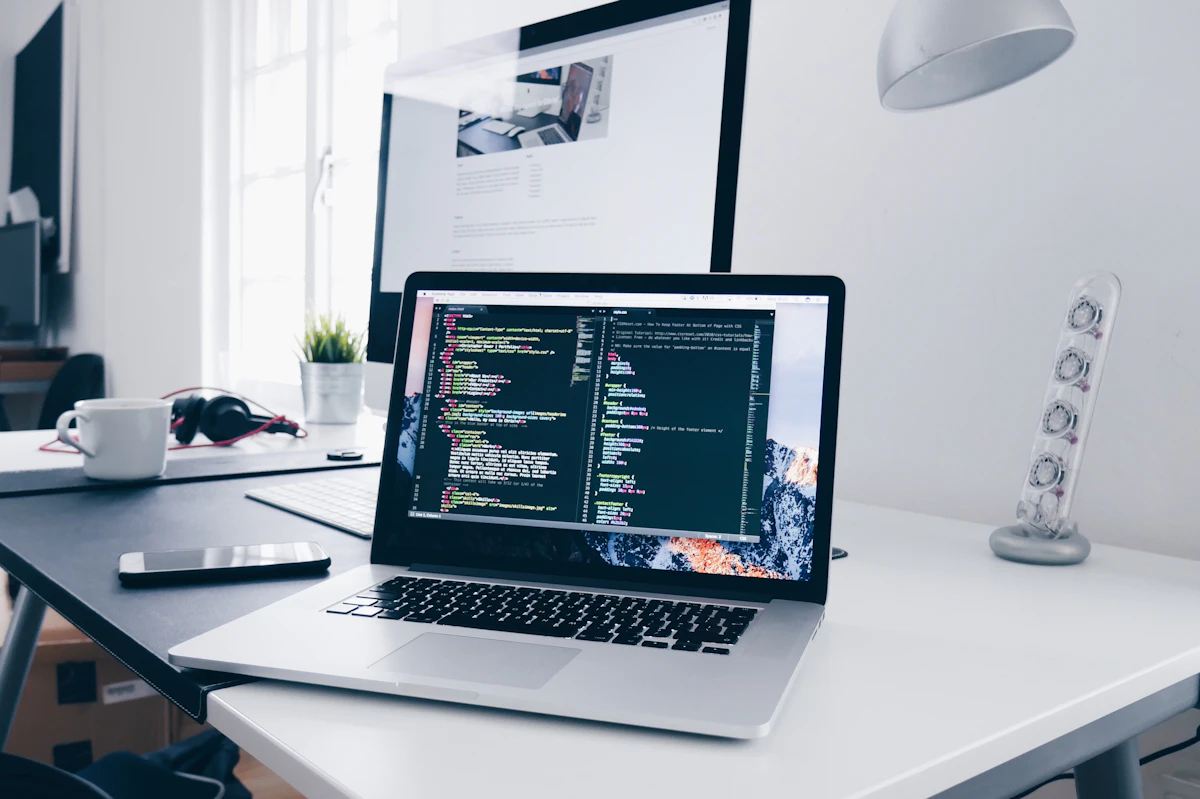
A plain screenshot pasted straight into a tweet, landing page, or portfolio site looks exactly like what it is — unedited. A few seconds with the right background, shadow, and framing turns the same image into something that looks intentional. Screenshot Studio is a free, browser-based tool built specifically for that job, and it does more than just add a gradient behind your image.
What You Can Do With It
- Gradient and glass-style backgrounds — drop any screenshot onto a polished background in one click, with light, dark, outline, and border style presets
- Browser mockups — wrap a website screenshot in a realistic Safari or Chrome window frame for a more finished look
- 3D tilt and depth effects — adjust rotation, scale, and depth to give a flat screenshot a sense of perspective
- Shadows — choose from soft, strong, or hugging shadow styles to make the image pop off the background
- Code-to-image — paste in a code snippet and generate a clean, syntax-highlighted image, with a large selection of themes (Dracula, Monokai, GitHub Dark, Nord, and more) and language support
- Tweet/X post import — paste a post URL and capture it directly as a shareable screenshot
- Draw and markup tools — arrows, shapes, blur, and text overlays for annotating a screenshot before sharing it
- Ready-made templates — layouts like Spotlight, Magazine Flatlay, Neon Dreams, and SaaS Hero for common use cases like product shots and landing page hero images
Who This Is Useful For
This is a natural fit for indie developers and founders who need clean App Store, product, or landing page screenshots without opening a full design tool. It also works well for anyone sharing code snippets on social media who wants something more readable than a plain terminal screenshot, and for content creators who want their screenshots to look consistent and polished across every post.
How It Works
Drag and drop an image onto the canvas (or paste one directly with a keyboard shortcut), pick a background and style, then fine-tune shadow, scale, and 3D rotation until it looks right. There's no account creation involved — you can start editing the moment the page loads. When you're done, export as PNG, JPG, or video, depending on whether you need a static image or an animated version for something like a product demo.
Why It's Worth Bookmarking
A lot of screenshot-beautifying tools either gate their best features behind a paywall or require an account just to export without a watermark. Screenshot Studio is free to use with no signup required, which makes it a low-friction option to reach for whenever you need a quick, professional-looking graphic — whether that's for a tweet, a portfolio piece, or a quick client mockup.
No signup required · Free to use
screenshot editor, free design tools, mockup generator, code screenshot, browser mockup




0 Comments