
Last updated: · Reading time: 6 minutes
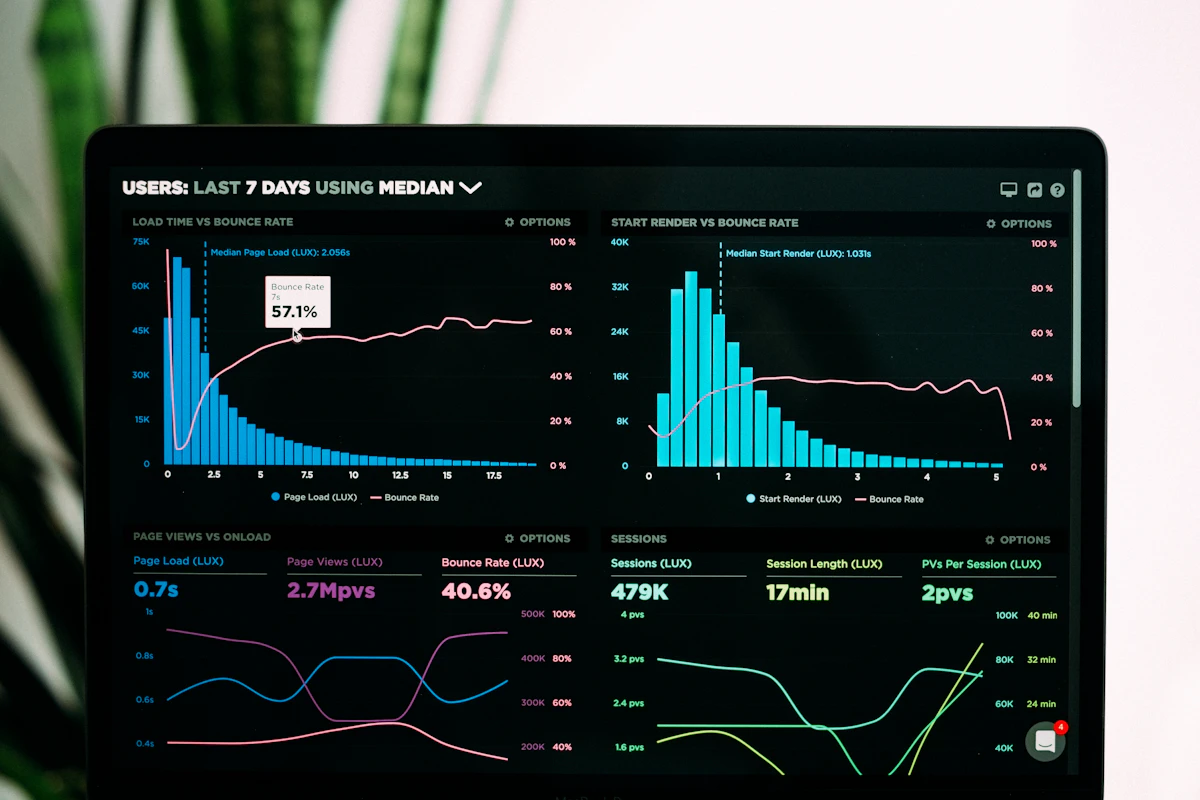
If you've ever screenshotted a competitor's Facebook post to remember it later, then lost track of where you saved it, PostSnag is built to solve exactly that problem. It's a free Chrome extension that captures posts as you scroll any Facebook profile, page, or group, then organizes everything into a searchable, sortable dashboard.
How It Works
Install the extension, open a Facebook profile, page, or group, and scroll normally — PostSnag captures each post as it appears on your screen, no manual saving required. From there, you can push any profile to your dashboard to track it going forward, then sort and rank every post by likes, comments, shares, or video plays to instantly surface what's actually performing.
What Gets Captured
For every post, PostSnag records the post type, likes, comments, shares, video plays, full caption text, and the exact date and time posted. At the profile level, it also compiles follower counts, total posts collected, posting frequency by day of week, content type breakdown, and average engagement — giving you a fuller picture than just scrolling through manually ever could.
The Discovery Feed
Beyond tracking specific profiles you choose, PostSnag's Discovery feed surfaces viral outliers across every profile in the system — a constantly refreshing window into what's actually getting rewarded on Facebook right now, without you having to manually check dozens of pages yourself.
Built to Plug Into Your AI Workflow
Any profile's captured data can be exported as JSON, Markdown, or Excel, formatted so it's ready to paste directly into Claude, ChatGPT, or Gemini for a content strategy without manual cleanup — a genuinely useful bridge between raw research and an actual content plan.
Worth Knowing Before You Use It
PostSnag works by reading content already rendered on your screen as you scroll, rather than pulling data through Facebook's API — the company's position is that this makes it different from automated scraping. That said, it's worth using thoughtfully: the tool markets itself for studying business pages and public creator content, but its own feature list also mentions tracking "personal profiles" and "people in your market." Using a tool like this to closely monitor a business competitor's public page is a different thing than using it to track a private individual's personal posts — the former is standard competitive research, the latter edges into territory worth being cautious about, both ethically and in terms of what a platform's terms of service actually intend.
Who This Is Useful For
This is a strong fit for social media managers and agencies doing competitive research on brand pages, marketers studying what content format performs best in a specific niche or industry, and anyone running a Facebook Group who wants to understand which posts actually drive engagement. Stick to public business pages, creator accounts, and groups you're a genuine member of, and this becomes a legitimate research shortcut rather than something that raises privacy questions.
Pricing
The free tier includes 3 profile scans per week (30 posts each) with no credit card required. Pro runs $19/month for unlimited tracking, full analytics, and AI-ready exports, or a one-time $139 lifetime option for the same features paid once. Both paid tiers include a 14-day money-back guarantee.
Free Chrome extension · No credit card required
Disclosure: This post contains an affiliate link. If you sign up through it, I may earn a commission at no extra cost to you.
postsnag, facebook marketing, competitor research, social media tools, chrome extension,free tools,AI Services,




0 Comments